
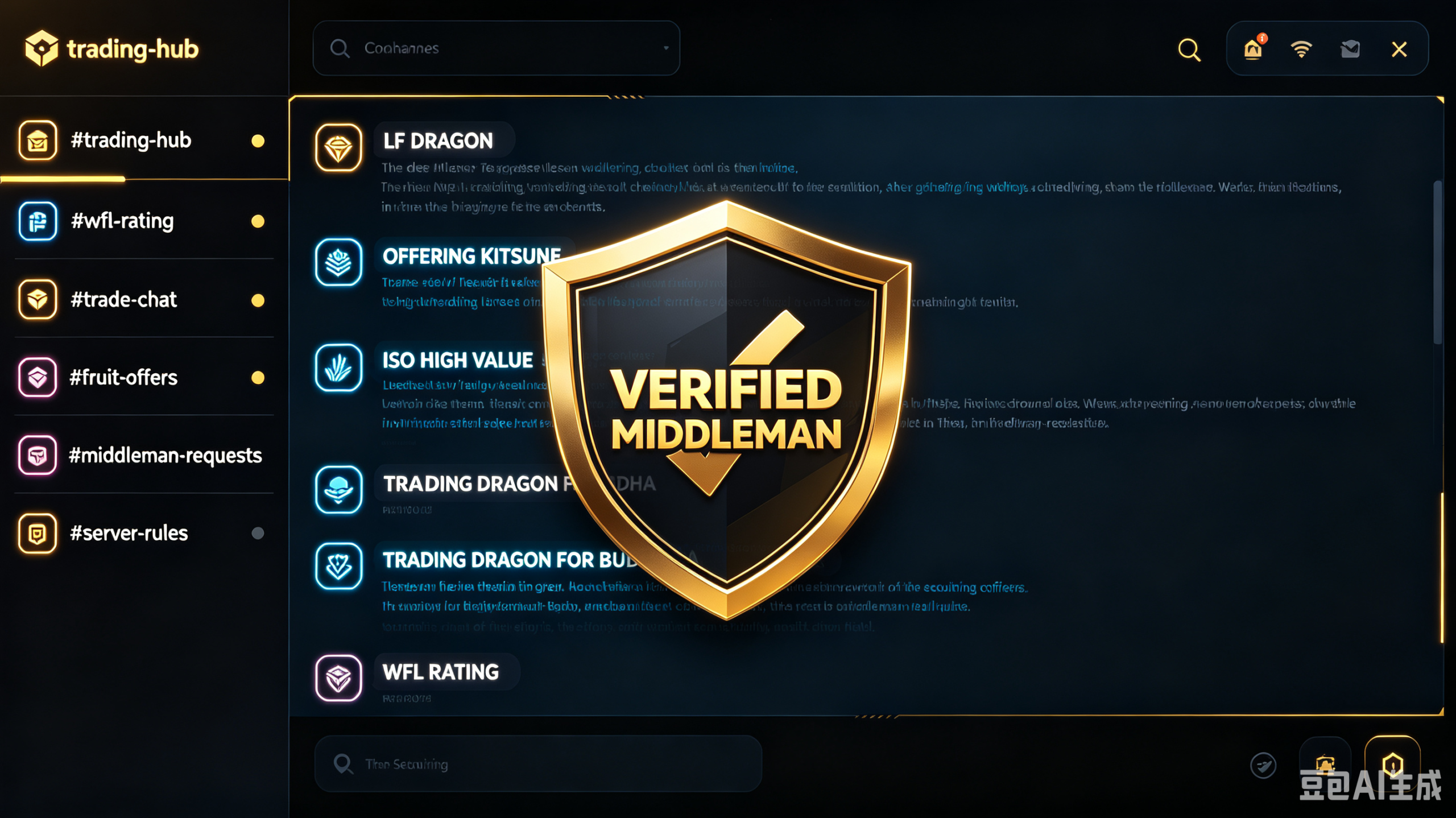
The Role of Trading Discord Servers and Communities: Scaling Your Inventory

If you are still jumping from server to server in the public Second Sea hub hoping to find someone with a decent fruit to trade, you are wasting your time. The real, high-volume economy of Blox Fruits doesn’t happen inside the game’s default public servers—it happens on Discord.
The massive multi-million member Discord communities act as the live stock exchange for the game. This is where veteran flippers liquidate their stock, whales buy Permanent fruits with raw Robux vouchers, and casual players post their offers to get bids within seconds.
However, diving into a trading channel with 50 messages flying by every single second can completely break a beginner’s brain. If you don’t know how to filter the noise and use these servers alongside a Blox Fruit Calculator, you will fall prey to aggressive market manipulation. Here is the blueprint for mastering the Discord trading landscape.
The Anatomy of a Trading Server: Where to Look
When you join a major community server, ignore the general chat rooms. You need to focus entirely on three specific zones:
1. The Core Trading Hubs (#trading-second-sea / #trading-third-sea)
This is the main marketplace floor. The rules here are strict, and everyone uses standardized trading shorthand to save space.
- LF means “Looking For” (what they want).
- MLF means “Mostly Looking For” (what they are highly prioritizing).
- NLF means “Not Looking For” (what fruits they will instantly reject).
- Example: If someone posts “LF: Dragon | NLF: Gravity/Pain”, do not slide into their DMs offering a trash-tier Mythical filler package. They will block you before you can type a reply.
2. The W/F/L Council (#wfl-submissions)
Unsure if a deal you just got offered in a DM is actually good? The W/F/L (Win/Fair/Loss) channel is your community safety net. You upload a screenshot of the pending trade screen, and hundreds of online players will react with emojis to vote on whether you are winning or getting fleeced.
- The Pro Strategy: Do not rely only on the crowd’s opinion—sometimes flippers will intentionally vote “Loss” on a good deal just to mess with you. Cross-check the trade on our calculator first, then look at the channel votes for secondary confirmation on market demand.
3. The Trusted Middleman Channels
When dealing with multi-part trades (such as trading a Permanent fruit that requires more than 4 individual physical Mythicals to balance out), you cannot do it safely in a single in-game window.
- The Golden Rule: Never trust a random user who says, “Give me the first 4 fruits now, and I’ll give you the Perm in the next trade.” Go to the server’s official list and request a Verified Middleman (usually a high-ranking server moderator). They will hold the assets securely so neither side can pull the plug and run.
Spotting Discord Market Tactics (and How to Counter Them)
Because Discord moves so fast, aggressive traders rely on psychological pressure to force bad trades.
Discord Anti-Scam Verification Matrix
Discord moves fast, making it easy to fall for panic traps. Run every direct message (DM) through this three-step safety filter before opening your in-game trading window:
The “DM Me Fast” Urgency Trick
A flipper will post an incredibly lopsided trade offer in the public channel, followed by “DM me fast, no time to waste.” They want to trigger your FOMO (Fear of Missing Out) so you panic-accept the trade before you have a chance to look up the real market values.
- The Counter: Never let a stranger dictate the speed of your transaction. Keep our calculator open in a pinned browser tab. If they refuse to wait 15 seconds for you to input the fruits into the data matrix, the trade is a scam. Walk away.
The Outdated Value List Scam
Many private Discord servers pin their own custom “Value Tables” in text channels. Shrewd server owners will deliberately inflate the values of fruits they personally own while undervaluing high-demand liquid fruits like Buddha or Portal so they can buy them cheap from their own community members.
- The Counter: Always treat individual Discord price lists with a grain of salt. Rely on an independent, live web calculator that aggregates real-time data from multiple external trading databases rather than a single server’s biased opinion.
Summary Summary Checklist for Discord
- Copy-paste your text templates: Format your offers clearly (e.g.,
TRADING: 2x Doughs, 1x Spirit | LF: 1x Leopard). - Verify IDs: Always double-check that the middleman you are talking to is the actual admin listed in the server directory, not a fake account with a copycat username.
- Keep the Calculator Active: Run your numbers on our live index before replying to any DM offer. Data beats hype every single day of the week.
